Screenshot
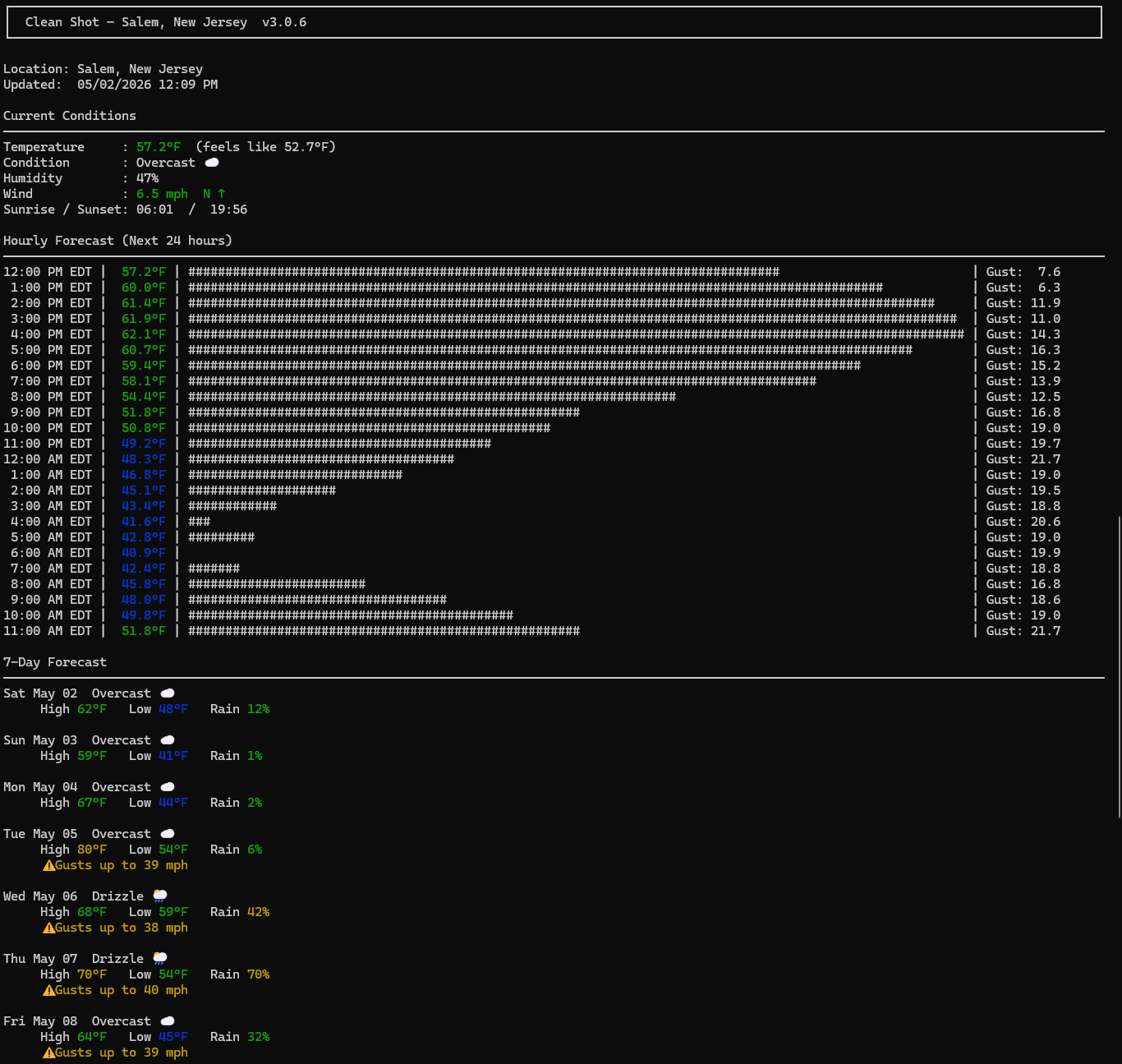
Real output from the Windows build
↑ Top of output
↓ Bottom of output
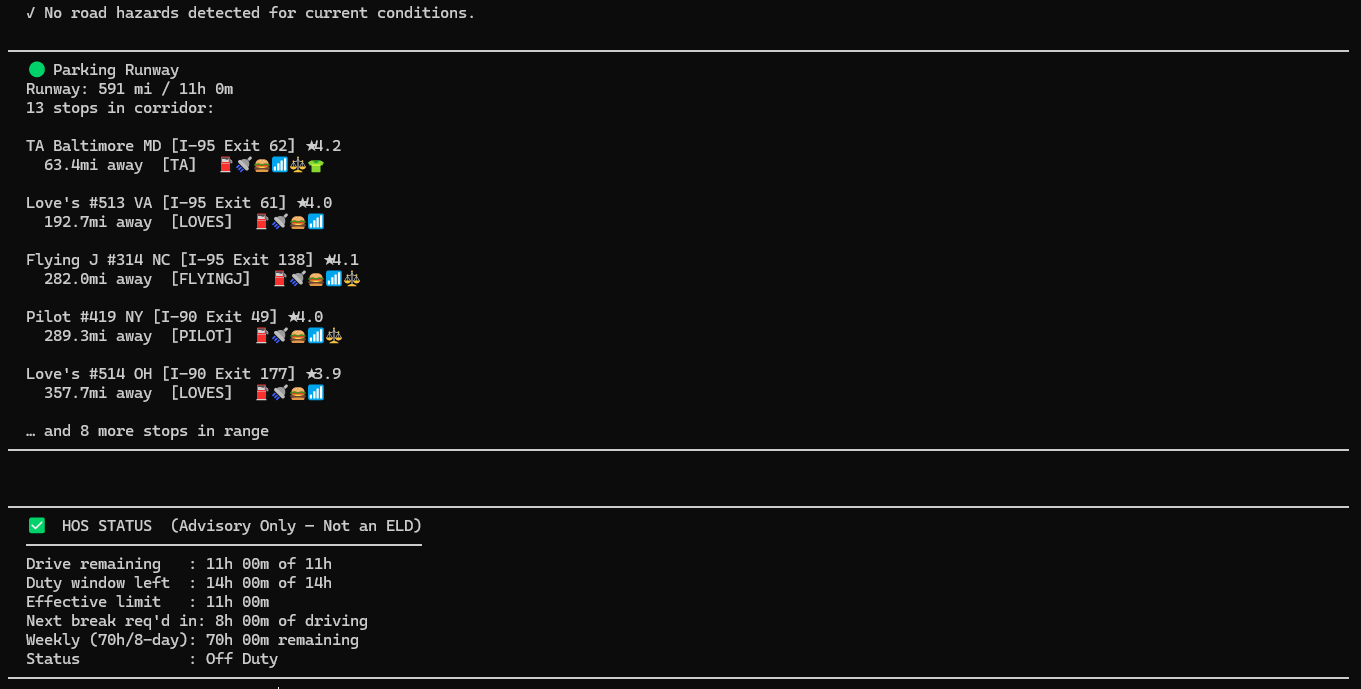
Clean, fast, scannable — even on a small laptop screen at a truck stop.
Real-time weather, road hazards, HOS guardian, and DOT feeds.
Runs perfectly on your Windows laptop — and your phone.
Windows 10 / 11 • 14.8 MB • No Python, no Git, no terminal
One file. Double-click. Everything installs automatically.
No Python. No Git. No terminal. Ever.
Black ice, bridge freeze, fog, flood, diesel gel, high wind, mudslide & more — 7+ real-time detectors.
GPS-verified reports from fellow drivers. Real eyes on the road ahead.
FMCSA 11/14/70-hour tracking with smart alerts. Never get caught off guard.
Live data from all 50 states. Construction, closures, accidents.
Text-to-speech with critical beep + flash on high-severity hazards.
Works great on 2G, offline caching, no heavy GUI — built for the road.
Real output from the Windows build
↑ Top of output
↓ Bottom of output
Clean, fast, scannable — even on a small laptop screen at a truck stop.
Free 30-day trial. No credit card. No nonsense.
Download Clean Shot — Free